
01
Choose your meals
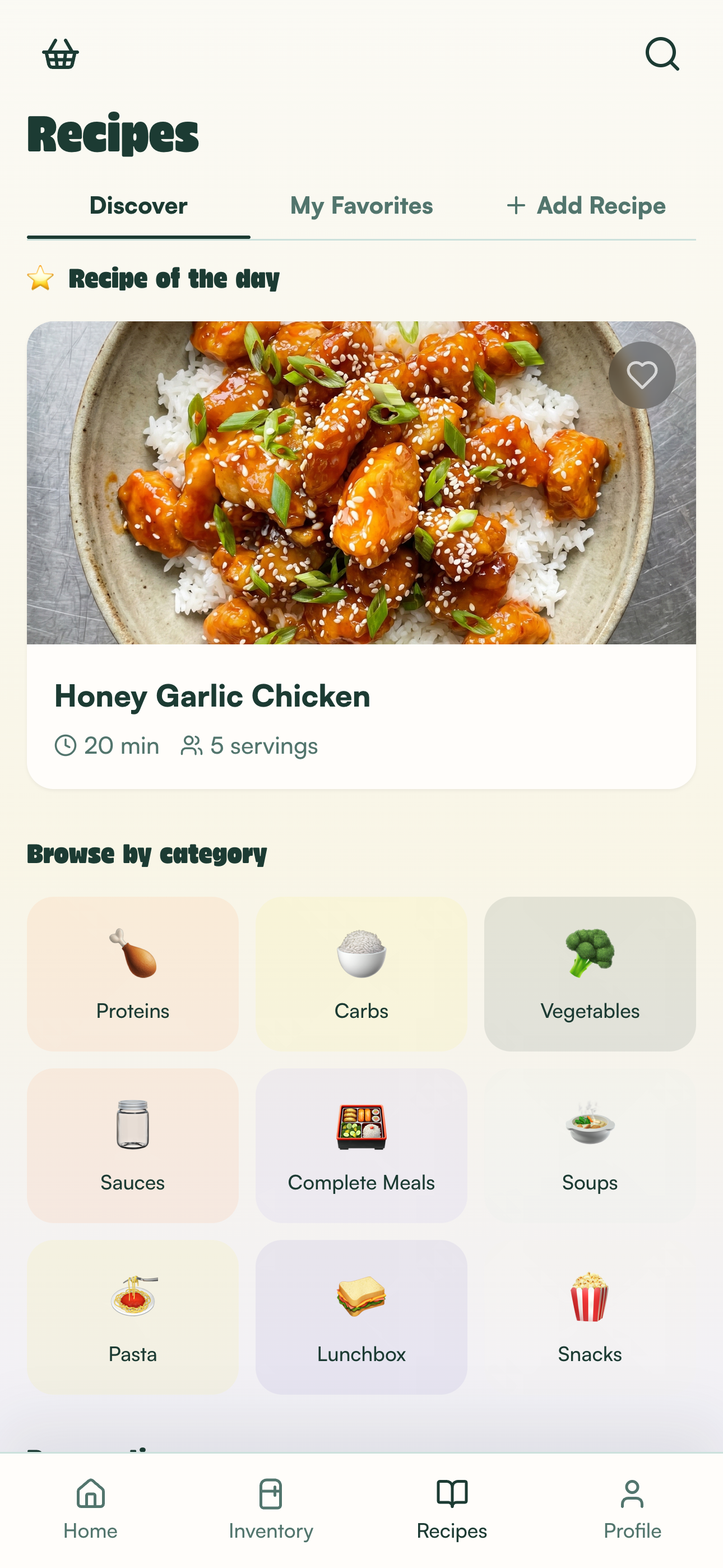
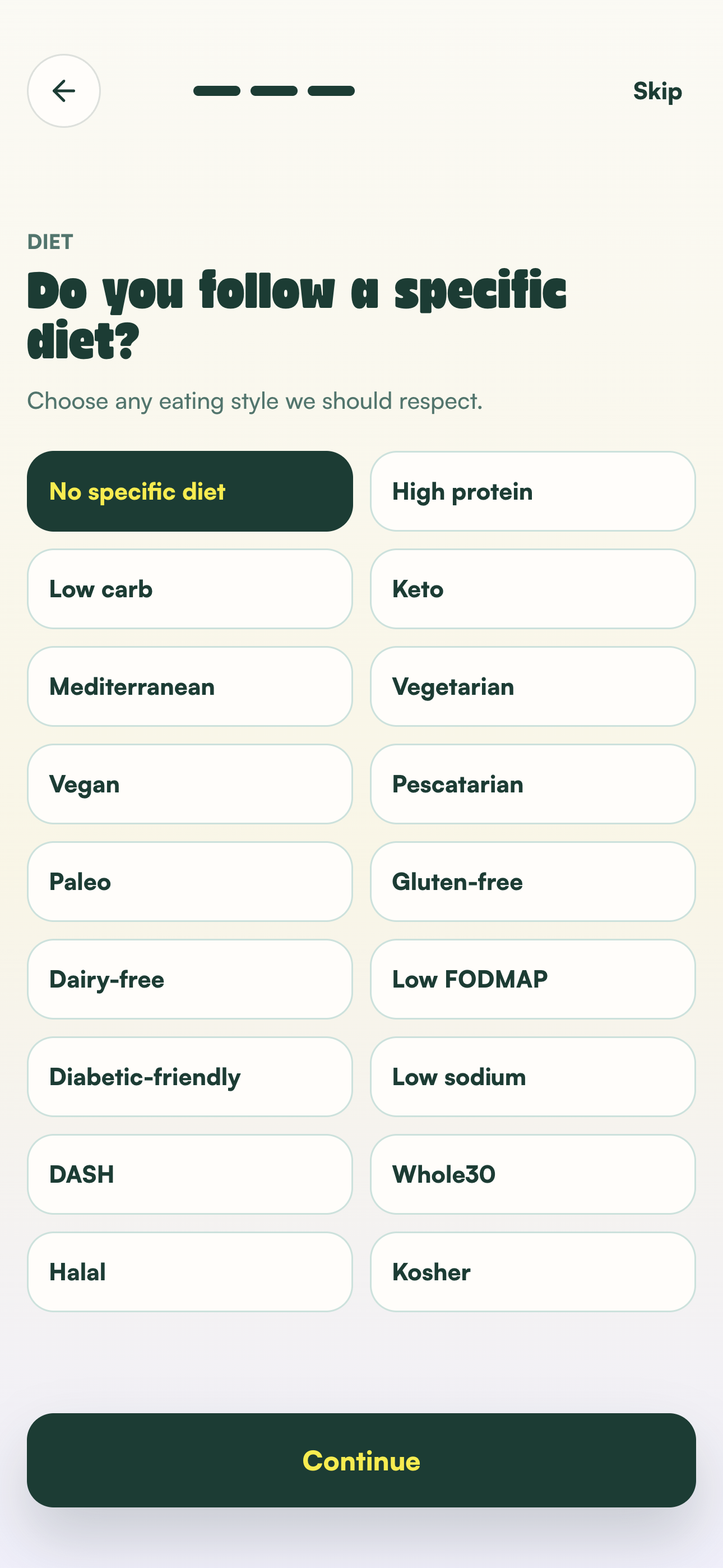
Browse recipes and build a plan around your preferences and prep time.
Your week, already handled
Pick what sounds good. StockUp turns it into one grocery list, one cooking flow, and a fridge full of ready meals.
Free to download for iPhone
Plan what sounds good
Cook it in a smoother order
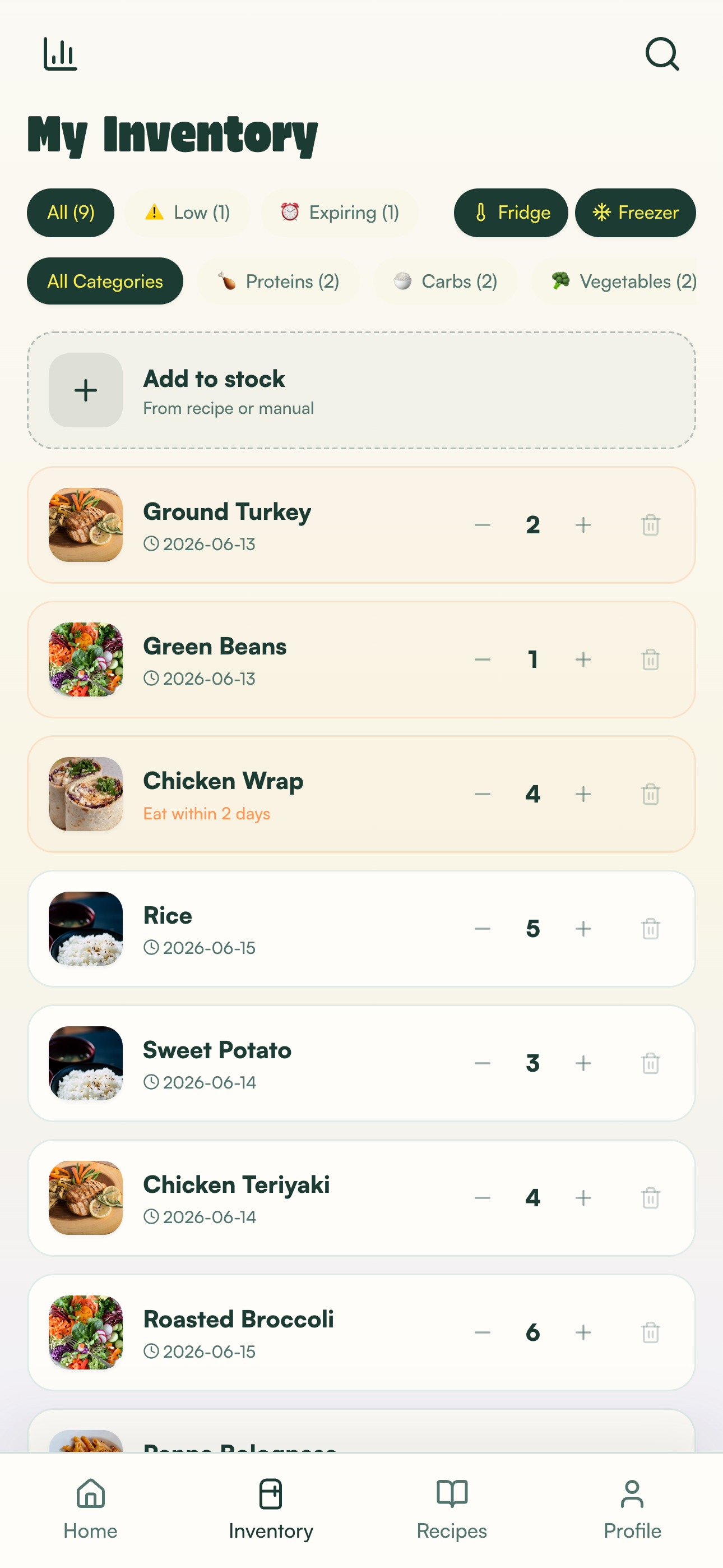
See what’s ready
Start with your real life
StockUp keeps the process practical—from choosing meals to pulling the last portion from the fridge.
Swipe through all four steps
Browse recipes and build a plan around your preferences and prep time.
Turn the plan into one combined list before you head to the store.
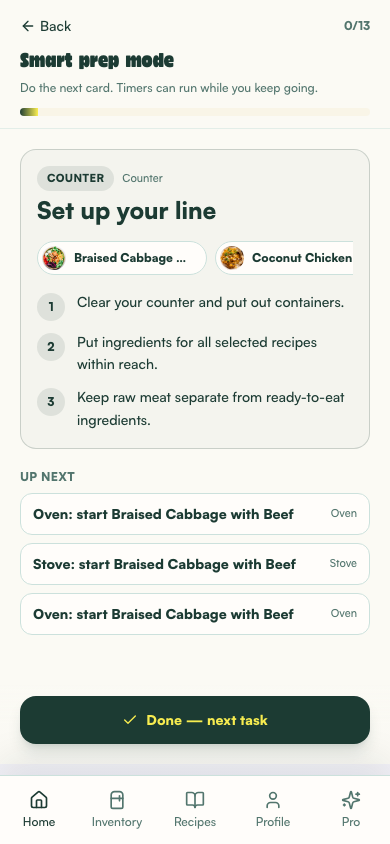
Follow one current task while StockUp keeps the batch moving.
Finish your prep and see the portions you have ready to eat.
Everything stays connected
01
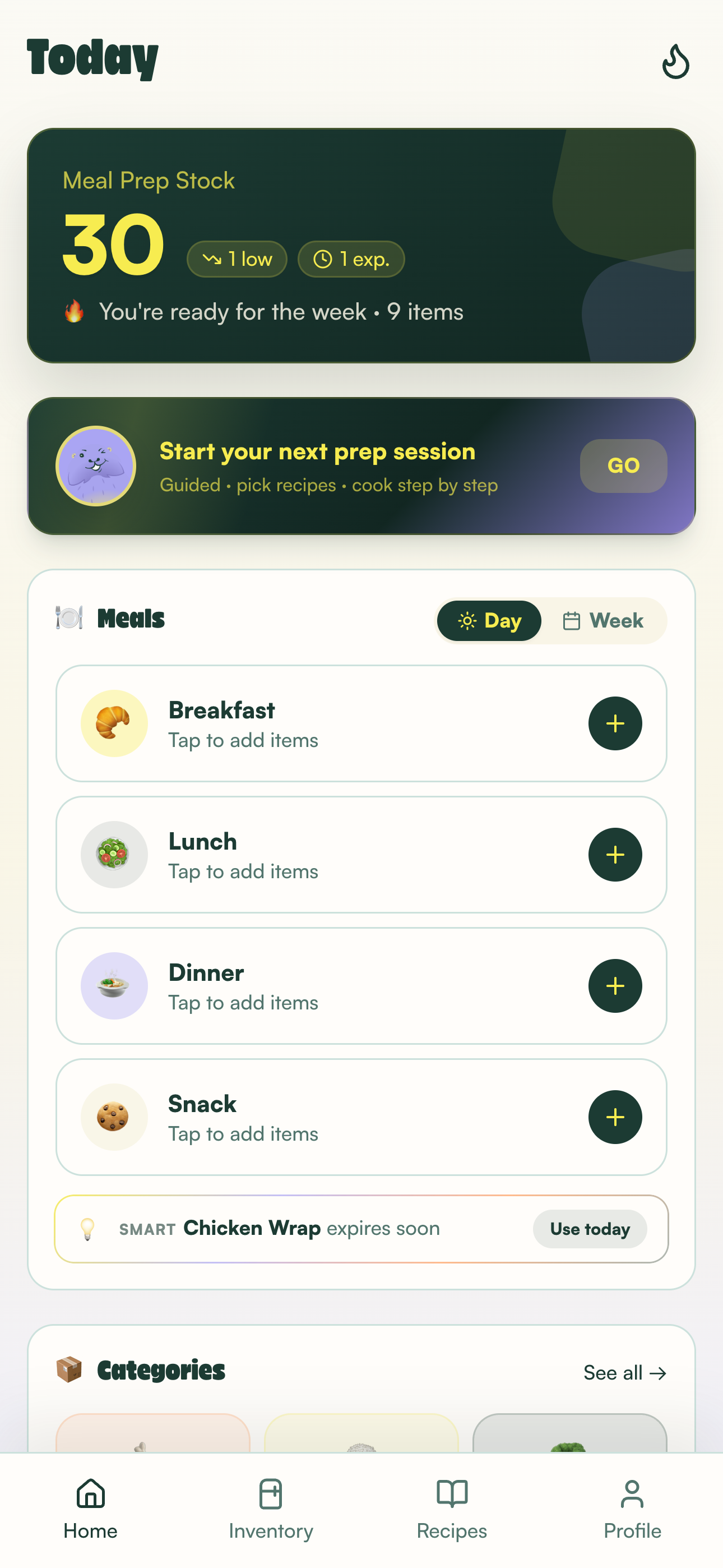
Know what you’re making, how many portions you’ll get, and what comes next.
02
Explore ideas with your diet, avoidances, and favorite proteins in mind.
03
Check what’s ready, what’s running low, and what should be eaten next.
04
Smart Cook sorts the work and keeps just one current task in focus.
Meet Smart Cook
StockUp Smart Cook
Stop bouncing between five recipes. StockUp groups the prep, keeps timers where they matter, and moves the whole batch toward done.
Swipe through all five steps
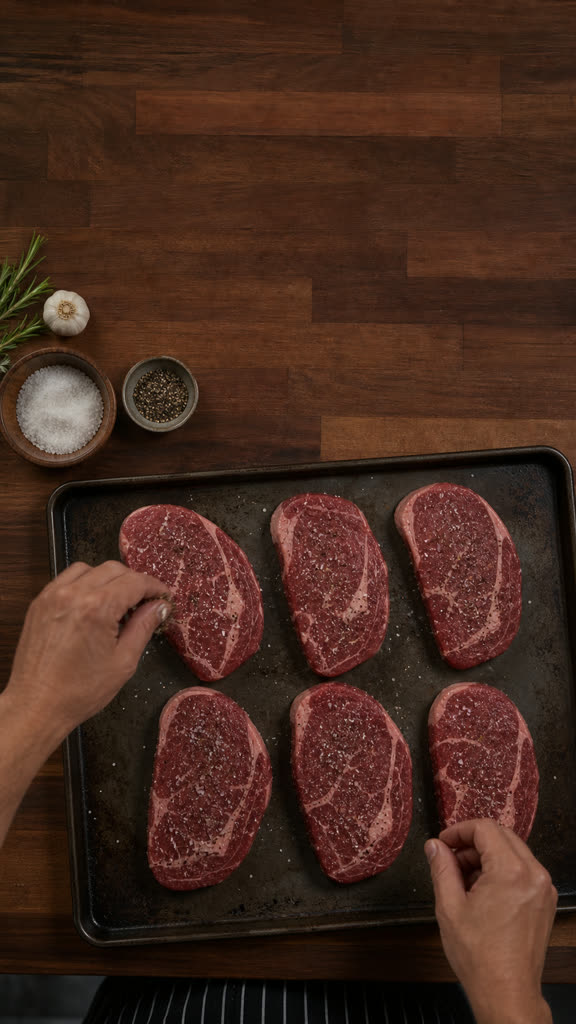

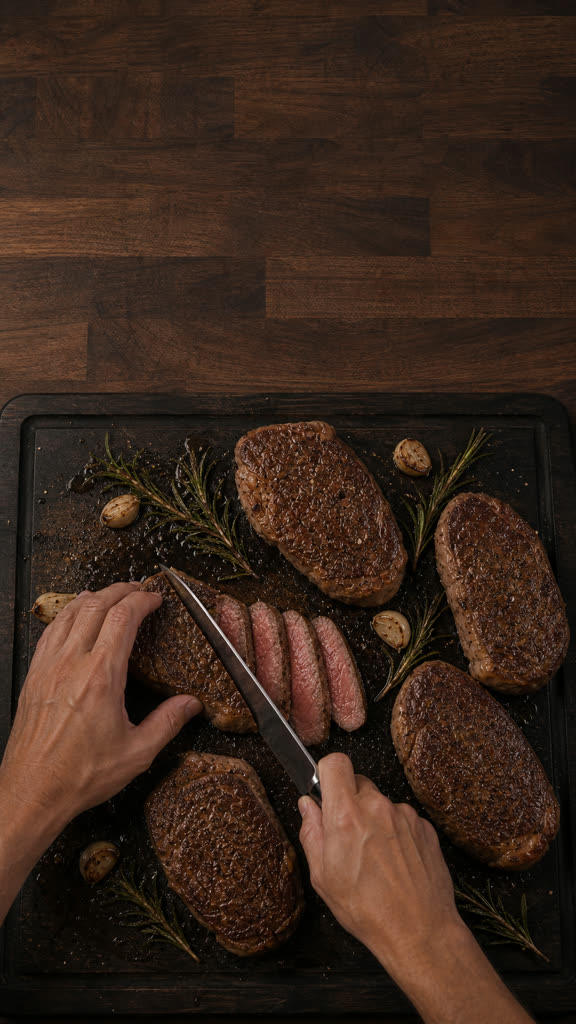
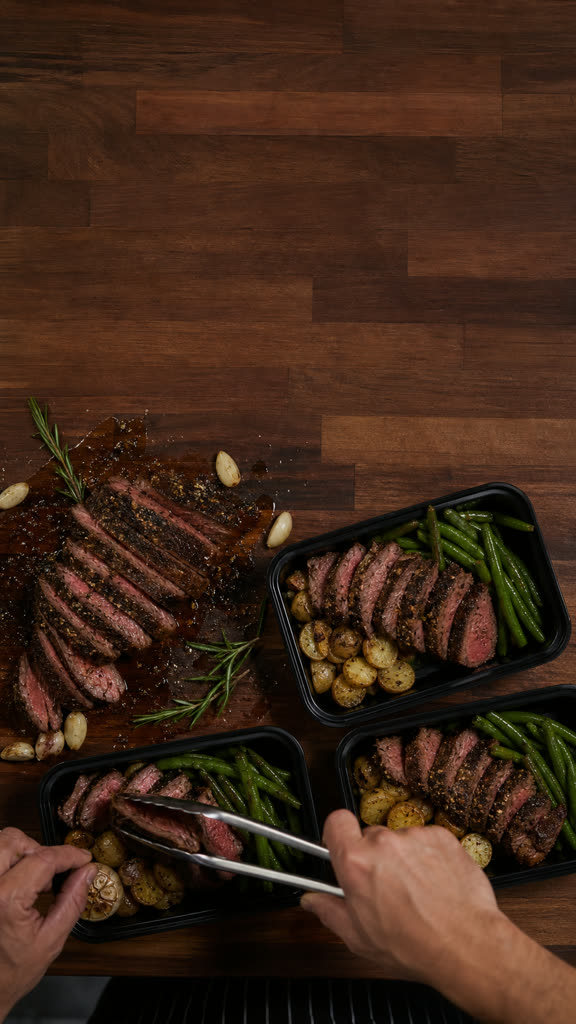
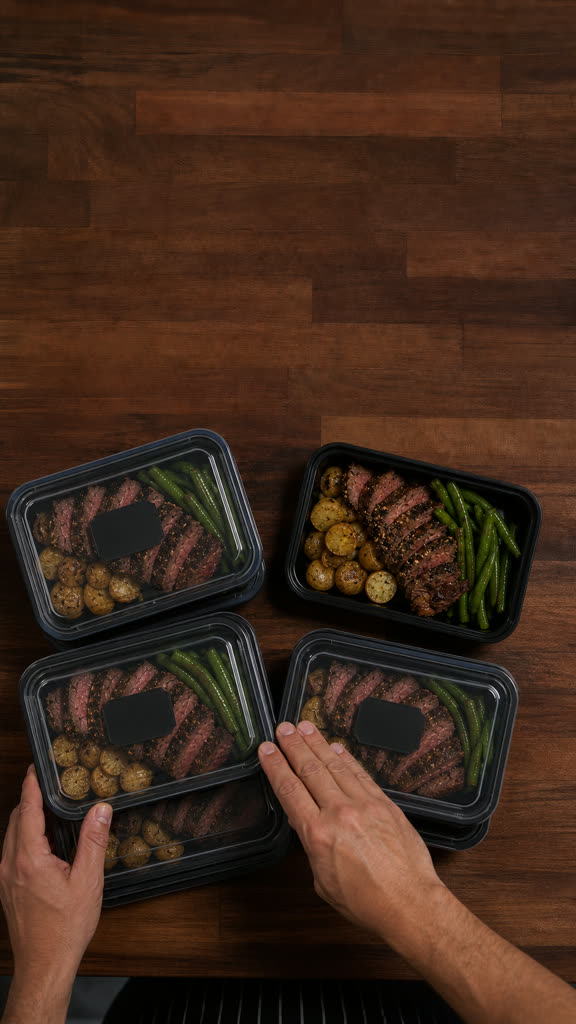

Less app. More dinner.
One plan to decide what you’re cooking.
One grocery list to get everything home.
One current task to keep the kitchen moving.
Good to know
StockUp helps you choose recipes, plan a prep session, combine ingredients into a grocery list, cook step by step, and track finished portions.
No. StockUp is designed for people who want the next step made obvious, including first-time meal preppers.
StockUp is free to download for iPhone. You can explore your first plan before creating an account; an account is required when you save it.
Yes. Smart Cook can organize multi-recipe sessions into one sequence while the original recipe-by-recipe mode stays available.
Visit the StockUp support page for help with onboarding, recipes, inventory, prep sessions, or account questions.
Your future self is hungry
Free to download for iPhone